 Canoë
CanoëTechnology, explained with patience.
In-home computer lessons for seniors in Montreal
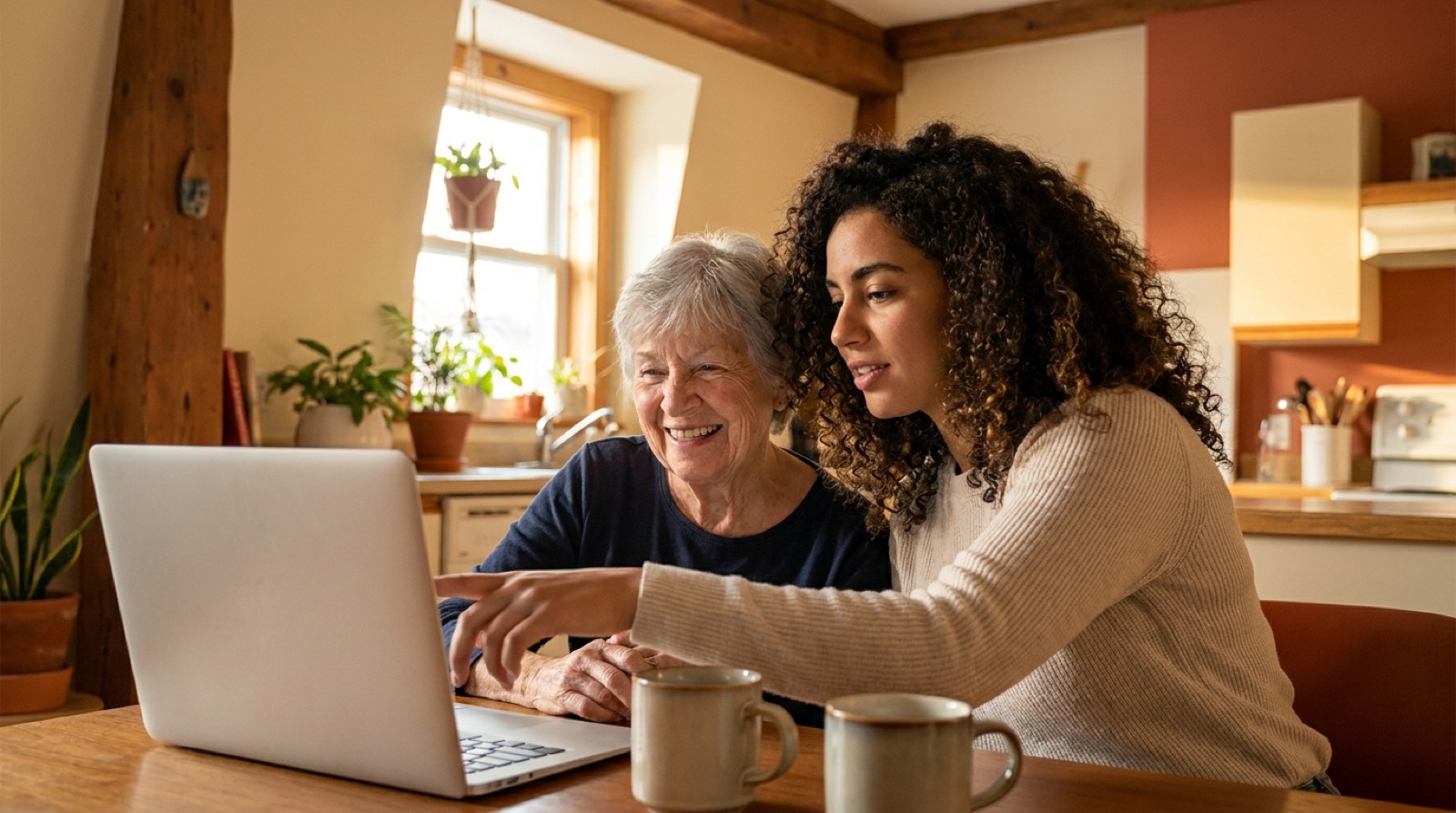
Computer lessons in your own home: a caring student comes over and answers every question, at your pace. Phone, tablet or computer: we start from what you have, and what you want to do.
- At your home, anywhere in Montreal
- In French or English
- We reply within 24 hours
How it works
Three steps, zero hassle.
Pick your topic
Tell us what you want to learn and the format that suits you: 1 hr, 1.5 hrs or 2 hrs.
We match you
We hand-pick a patient, pedagogical student based on your needs and your neighbourhood.
Your teacher comes to you
At home, or at a café nearby. You learn on your own devices, with clear notes to keep.
Eight topics to get started
The questions we hear most often, in eight topics.
Cybersecurity
Spot scams and protect your passwords and accounts.
Going online
Browse, search and find what you need, stress-free.
Staying in touch
Video calls, messages and emails with your children and grandchildren.
Photos
Find, organize and share your photos with the people you love.
Sorting, storing and backing up your data
Organize your files, understand the cloud, and never lose a document again.
Everyday online tasks
Appointments, government services and day-to-day purchases.
Getting set up
Install, set up and tame a new device.
SOS
Scary popup, misbehaving device? On-site or remote, we fix it and explain.
Don’t see what you need?
Tell us, and we’ll put together something just for you.
How much time would you like to spend?
The first lesson is free, whichever format you pick. After that, simple prices, no tax.
Discovery
1 hr
A gentle hour to get to know each other and sort out the essentials.
$50
First lesson free
The classic
1.5 hrs
The ideal format: we practice together and you keep clear notes.
$70
First lesson free
Going further
2 hrs
Two hours to really take your time, on one topic or on several.
$90
First lesson free
Why Canoë?
Patience comes first
We repeat as many times as it takes. No question is ever too simple.
Carefully chosen students
Patient students, chosen one by one, who genuinely enjoy explaining.
At home, on your devices
No classroom: you learn in your own environment, with your own tools.
A bridge between generations
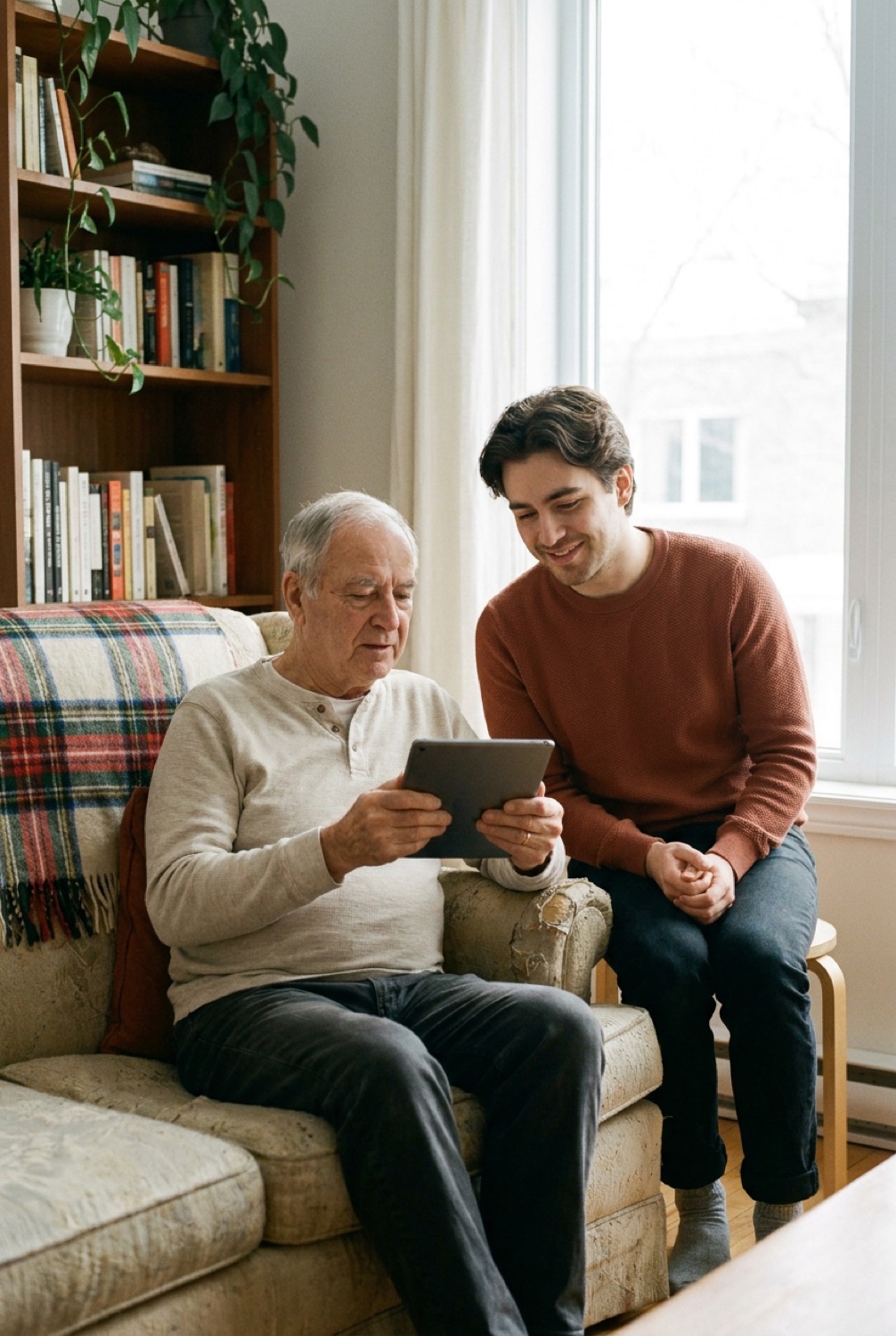
More than a lesson. Our students and seniors learn from each other.
What a computer lesson for a senior actually sorts out
Four requests that come up almost every week with our Montreal students. None of them is too simple to ask.
Booking a medical appointment online
We open Clic Santé together, health insurance card within reach, and write the steps down on paper for next time. Same goes for Carnet santé Québec or an SAAQ renewal. The Clic Santé walkthrough
Seeing the grandchildren on screen
A video call that works the first time, with the volume right and the camera pointing the right way. The step by step
Sorting out suspicious emails
The fake Hydro-Québec notice, the fake Revenu Québec refund, the parcel you never ordered: three reflexes to tell them apart, without becoming suspicious of everything. The three reflexes
Fixing today’s glitch
The printer that won’t print, the Wi-Fi that dropped, the screen that has become too small to read: we fix what can safely be fixed, and above all we show you how to do it without us next time. In-home tech help
Formats, prices and what a session looks like are all spelled out on our page of computer lessons for seniors in Montreal.
A student in Montreal?
Patient, pedagogical and comfortable with tech? Become a teacher and make a real difference in a senior’s day-to-day life.
(438) 813-3386
Frequently asked questions
How much does an in-home computer lesson cost?
The first lesson is free. After that: $50 for 1 hr, $70 for 1.5 hrs, $90 for 2 hrs, no tax. No subscription, no commitment.
Who teaches the lessons?
Montreal students, carefully chosen for their patience and their teaching skills. For now, lessons are given by Théo himself, the founder. You always know in advance who is coming to your home, and whenever possible the same teacher comes back time after time.
Which Montreal neighbourhoods do you cover?
The whole island: the Plateau, Rosemont, Villeray, Ahuntsic, Côte-des-Neiges, NDG, Verdun, LaSalle, Hochelaga, Saint-Léonard, Pointe-aux-Trembles and more. At home, in your residence or at a café nearby.
Which devices can we work on?
Yours: tablet or iPad, iPhone or Android phone, Windows or Mac computer, and the printer that goes with them. You learn on your own devices.
Who are the lessons for?
For Montreal seniors, also called “older adults” or “the elderly”, and for anyone who wants to learn without feeling rushed. No experience needed: we can start from zero.
Do I need to own a computer already?
No. We work with what you already have: a phone is enough, and plenty of our students start on a tablet handed down by their children. If you are hesitating before buying, we look at what would suit you together. We sell no devices, so the advice costs you nothing either way.
Can I call you just for a glitch, without taking lessons?
Yes, that is our eighth topic. We fix what can safely be fixed: a silent printer, a dropped Wi-Fi connection, a cluttered browser. We explain what we are doing, and we leave you able to redo it alone. If the problem goes beyond light tech help, we say so plainly and point you elsewhere.
Can I book a lesson for a loved one?
Of course: for your mother or father, an aunt, a neighbour, or the person you care for. Many of our students are introduced to us by their children. Check “I’m booking for a loved one” in the form, or give us a call.
Do you teach in English?
Yes. Every lesson is available in French or in English, your choice. Voir ce site en français
Your first lesson is free.
All across Montreal, in your own home and at your own pace. Book your spot today.
or call us at (438) 813-3386